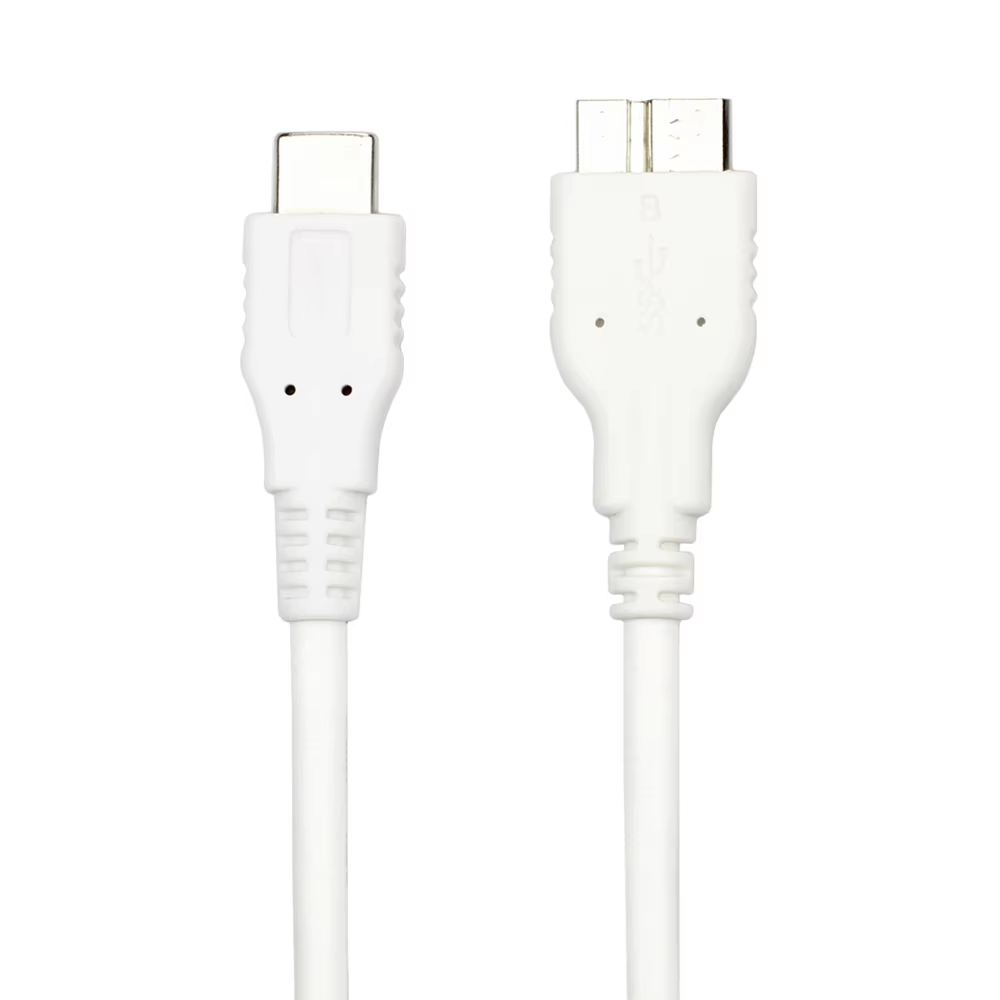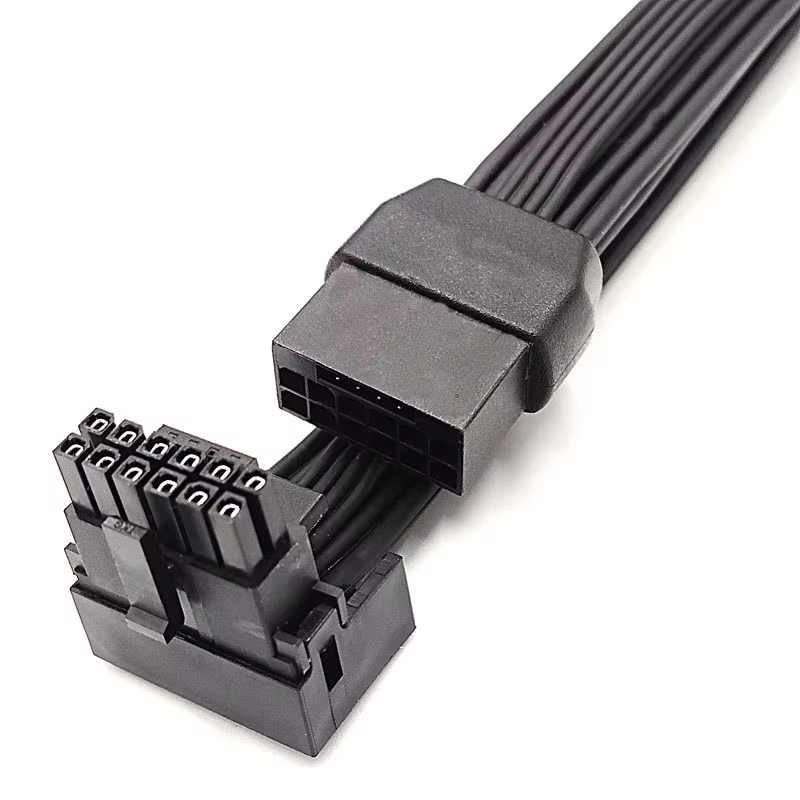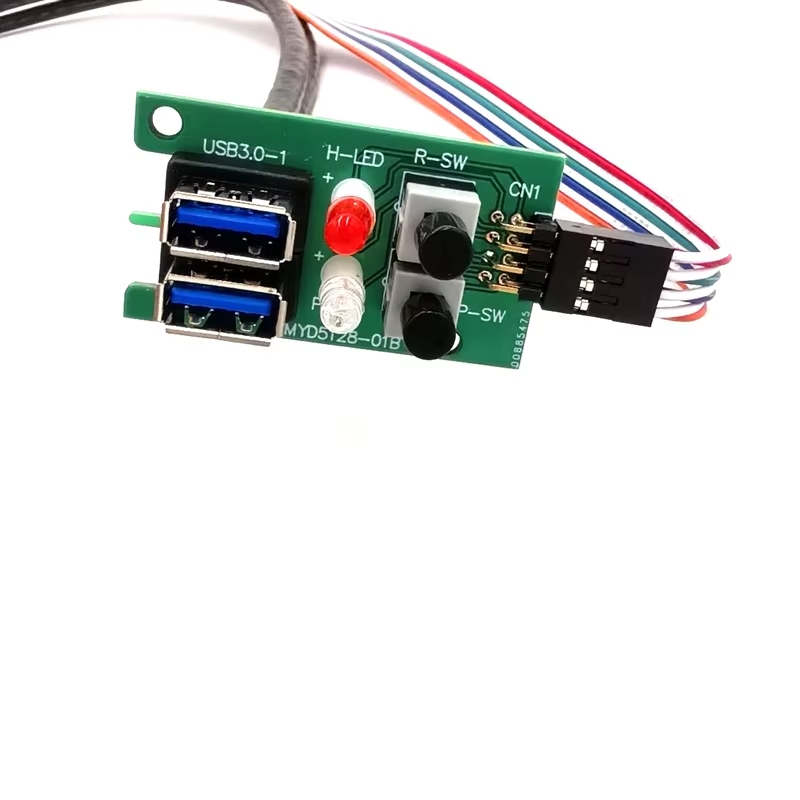
A PC case front panel may combine a power switch, reset switch, status LEDs, audio jacks, USB ports and a USB-C receptacle. To the end user it appears to be one panel; to an OEM, it is a group of power, low-speed control, audio and high-speed data circuits with different pinout and routing requirements.
The best time to define the cable assembly is before tooling and chassis dimensions are frozen. A clear harness drawing prevents reversed LEDs, mismatched headers, cable branches that cannot reach and high-speed pairs that are routed or terminated incorrectly.
Map every front-panel function
Create a port and control list before choosing connectors:
- power and reset switches;
- power, storage-activity or other LEDs;
- internal speaker or special controls;
- front audio;
- USB 2.0 ports;
- higher-speed USB Type-A ports;
- front USB-C;
- optional fan, lighting or accessory connections.
For each item, identify the motherboard header or controller board, number of ports and whether the chassis uses one combined plug or individual connectors.
Pinout must come from the target board
Front-panel headers are not defined by housing appearance alone. Power and reset switches are simple contacts, while LEDs have polarity. USB headers contain power, ground and data circuits; higher-speed internal USB connectors also include shielded differential transmit and receive pairs.
Intel publishes useful examples for workstation-board front-panel headers and 19-pin USB 3.0 signal names, but the target motherboard manual and approved customer drawing remain the controlling references. Keying, blocked pins, pin numbering and cable-side views must be unambiguous.
Separate high-speed, audio and control requirements
Do not treat the complete assembly as generic hookup wire. Higher-speed USB paths require controlled differential construction, consistent pair routing, shielding and termination. Audio paths may need their own grounding and noise-control approach. Switch and LED branches have different electrical needs but still require correct polarity, color coding and strain relief.
If multiple functions share a harness, define how branches are separated and where shields or drain wires terminate.
Design around the real chassis
A nominal overall length is rarely enough. The drawing should include a datum point, main-trunk length, individual branch lengths, connector exit direction, breakout location and tolerances. Check the route around fans, drive cages, graphics cards and side panels.
Also define clips, ties, adhesive mounts or braided sleeves where required. The goal is not only to reach the header, but to do so without tension, sharp bends, abrasion or blocked airflow.
Prototype and validate before mass production
Recommended checks include:
- Pin-to-pin continuity and short-circuit test.
- LED polarity and switch-function verification.
- Mechanical fit with the target motherboard and chassis.
- USB enumeration and sustained transfer on the agreed platform.
- Charging or over-current behavior where applicable.
- Audio channel, microphone and noise checks where applicable.
- Pull, flex or insertion checks based on the use environment.
Retain the approved sample and signed drawing as production references. Any later change to connector source, cable construction, length or routing should be assessed for revalidation.
What to include in the RFQ
Provide the motherboard and chassis model, panel port layout, connector and header details, pinout, board-side viewing direction, length datum, branch dimensions, routing photos or 3D data, electrical performance, materials, color, labels, quantity, packaging and test report requirements.
Dongguan Maoye Electrical supplies PC case front-panel and internal cable assemblies and can support OEM/ODM projects from customer drawings or physical samples. A project-specific drawing and validation plan are preferable to assuming that a visually similar catalog cable is interchangeable.
FAQ
Are all motherboard front-panel headers the same?
No. Common functions are similar, but pin arrangement and combined-header design can vary. Use the target motherboard documentation.
Can USB 2.0 wires be used for a higher-speed front USB connection?
No. Higher-speed USB requires additional signal pairs and an appropriate controlled cable construction.
Why specify every branch length?
The panel ports and motherboard headers are in different locations. An overall length alone cannot ensure that each connector reaches without tension.
Related Maoye product categories
Official references
Need Custom Cable Assemblies for Your System or OEM Project?
Dongguan Maoye Electronics is a professional OEM/ODM manufacturer specializing in PCIe risers, 12V-2x6 GPU power cables, and server wire harnesses.