PCIe 5.0 operates at 32 GT/s per lane, twice the transfer rate of PCIe 4.0. At this speed, a riser cable is part of the electrical channel between the root complex and the add-in card. A connector that looks like PCIe x16 does not by itself establish Gen5 performance.
For workstation, compact PC, vertical GPU and industrial system projects, buyers should specify the complete application and validate the assembled system. The correct question is not only “Is this a PCIe 5.0 cable?” but “Under which length, routing, platform and acceptance conditions was this assembly evaluated?”
Start with the actual link requirement
Confirm the motherboard or host, GPU or add-in card, lane width and target generation. An x16 mechanical connector does not prove that all sixteen lanes are wired or that the link will train at the intended generation. If the project only needs x8, that should also be shown on the drawing.
PCIe is backward compatible at the protocol level, but a system that falls back to a lower generation has not demonstrated Gen5 operation. A lower-speed BIOS setting can help diagnose a link problem; it should not replace validation at the required speed.
Length is an engineering input, not a cosmetic option
Longer cable paths generally add insertion loss and more opportunities for impedance discontinuities. Choose the shortest practical length that still allows strain-free installation. Define whether length is measured between connector references, PCB edges or cable exits so that supplier and buyer use the same method.
Connector orientation and mechanical envelope
Before sampling, provide a chassis drawing or installation photos and confirm:
- straight, 90-degree, 180-degree or other connector orientation;
- component-side and solder-side direction;
- GPU slot and mounting bracket position;
- maximum PCB and cable envelope;
- bend direction, minimum practical bend area and fastening points;
- nearby fans, heat sinks, side panels and power connectors.
A cable that works electrically can still be unsuitable if it twists the connector, blocks airflow or is compressed when the chassis closes.
Shielding and construction should be evaluated as a system
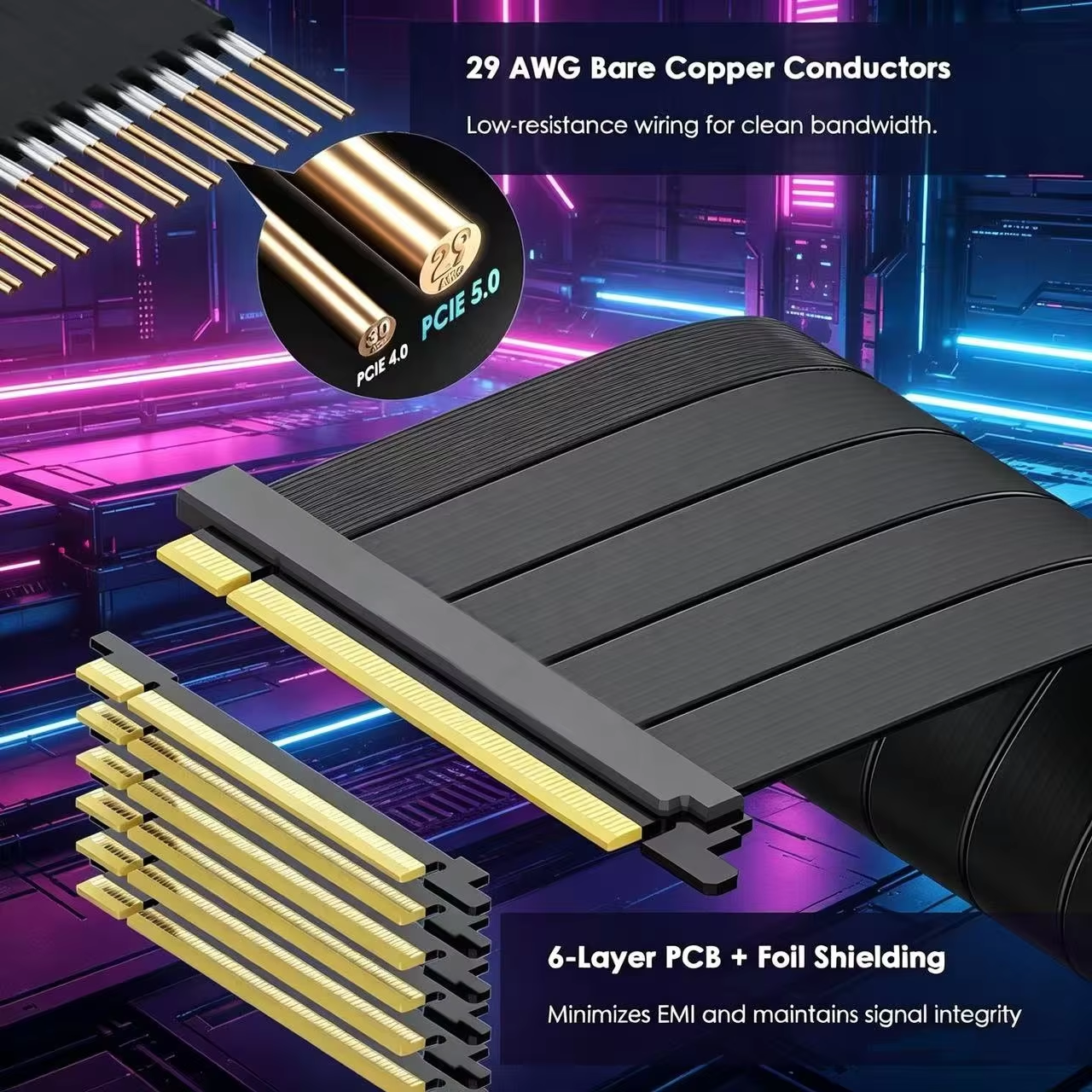
High-speed differential pairs require controlled geometry and consistent termination. Shielding, grounding, conductor construction, PCB stack-up and assembly process can all influence channel behavior. Marketing terms such as “anti-interference,” “low loss” or “pure copper” are not substitutes for an agreed performance test.
Build a repeatable validation plan
At minimum, record the host platform, add-in card, BIOS/firmware version, target link width and speed, cable length and orientation, test duration and pass/fail criteria. Useful system checks include repeated cold boots, warm restarts, link-speed confirmation, sustained data or graphics workloads and error-log review.
For higher-risk OEM programs, define electrical measurements or compliance-oriented testing with the supplier. PCI-SIG operates formal compliance programs and publishes test guidance; a supplier's internal test is useful, but should not be described as PCI-SIG certification unless the specific product has the supporting status.
OEM RFQ checklist
Send the host and add-in card models, required PCIe generation and lane width, connector orientation, exact length definition, chassis drawing, routing constraints, quantity, operating environment and acceptance plan. Ask the supplier to identify which specification items remain assumptions.
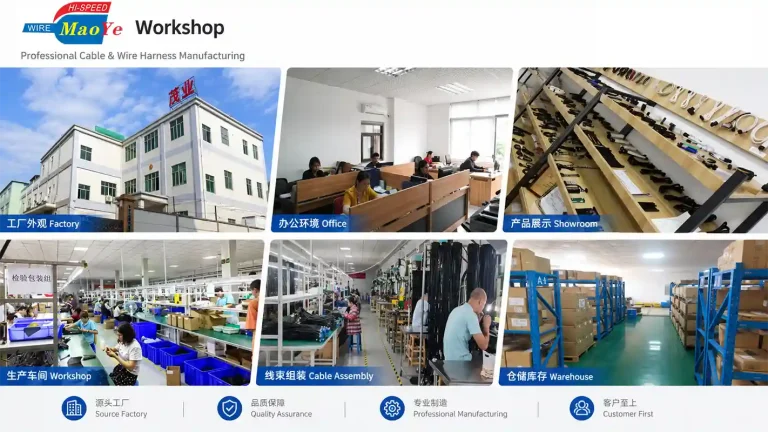
Dongguan Maoye Electrical supplies PCIe riser and GPU extension cable assemblies and can work from drawings, samples and installation constraints. Final performance should be confirmed on the approved configuration rather than inferred from another length or model.
FAQ
Is every x16 riser cable a PCIe 5.0 cable?
No. x16 describes the mechanical size or lane arrangement; Gen5 performance requires suitable electrical design and validation.
Does backward compatibility prove the cable works at Gen5?
No. A link that trains only at Gen4 is useful for troubleshooting but does not prove operation at 32 GT/s.
Should I choose the longest available cable for flexibility?
Usually not. Choose the shortest length that supports installation without tension or an excessively tight bend.
Related Maoye product categories
Official references
Need Custom Cable Assemblies for Your System or OEM Project?
Dongguan Maoye Electronics is a professional OEM/ODM manufacturer specializing in PCIe risers, 12V-2x6 GPU power cables, and server wire harnesses.